사용자의 머신을 W&B에 인증하려면 API 키가 필요합니다.To create an API key, select the Personal API key or Service Account API key tab for details.
Personal API key
Service account API key
To create a personal API key owned by your user ID:
Log in to W&B, click your user profile icon, then click User Settings.
Click Create new API key.
Provide a descriptive name for your API key.
Click Create.
Copy the displayed API key immediately and store it securely.
To create an API key owned by a service account:
Navigate to the Service Accounts tab in your team or organization settings.
Find the service account in the list.
Click the action () menu, then click Create API key.
Provide a name for the API key, then click Create.
Copy the displayed API key immediately and store it securely.
Click Done.
You can create multiple API keys for a single service account to support different environments or workflows.
The full API key is only shown once at creation time. After you close the dialog, you cannot view the full API key again. Only the key ID (first part of the key) is visible in your settings. If you lose the full API key, you must create a new API key.
Python 스크립트나 노트북에서 wandb.init()을 사용하여 W&B run 오브젝트를 초기화하세요. 하이퍼파라미터 이름과 값을 지정하려면 config 파라미터에 사전(dictionary)을 사용합니다. with 문 내에서 메트릭 및 기타 정보를 W&B에 로그할 수 있습니다.
import wandbwandb.login()# run이 기록될 프로젝트project = "my-awesome-project"# 하이퍼파라미터를 담은 사전config = { 'epochs' : 10, 'lr' : 0.01}with wandb.init(project=project, config=config) as run: # 트레이닝 코드 작성 # run.log()를 사용하여 W&B에 값을 로그 run.log({"accuracy": 0.9, "loss": 0.1})
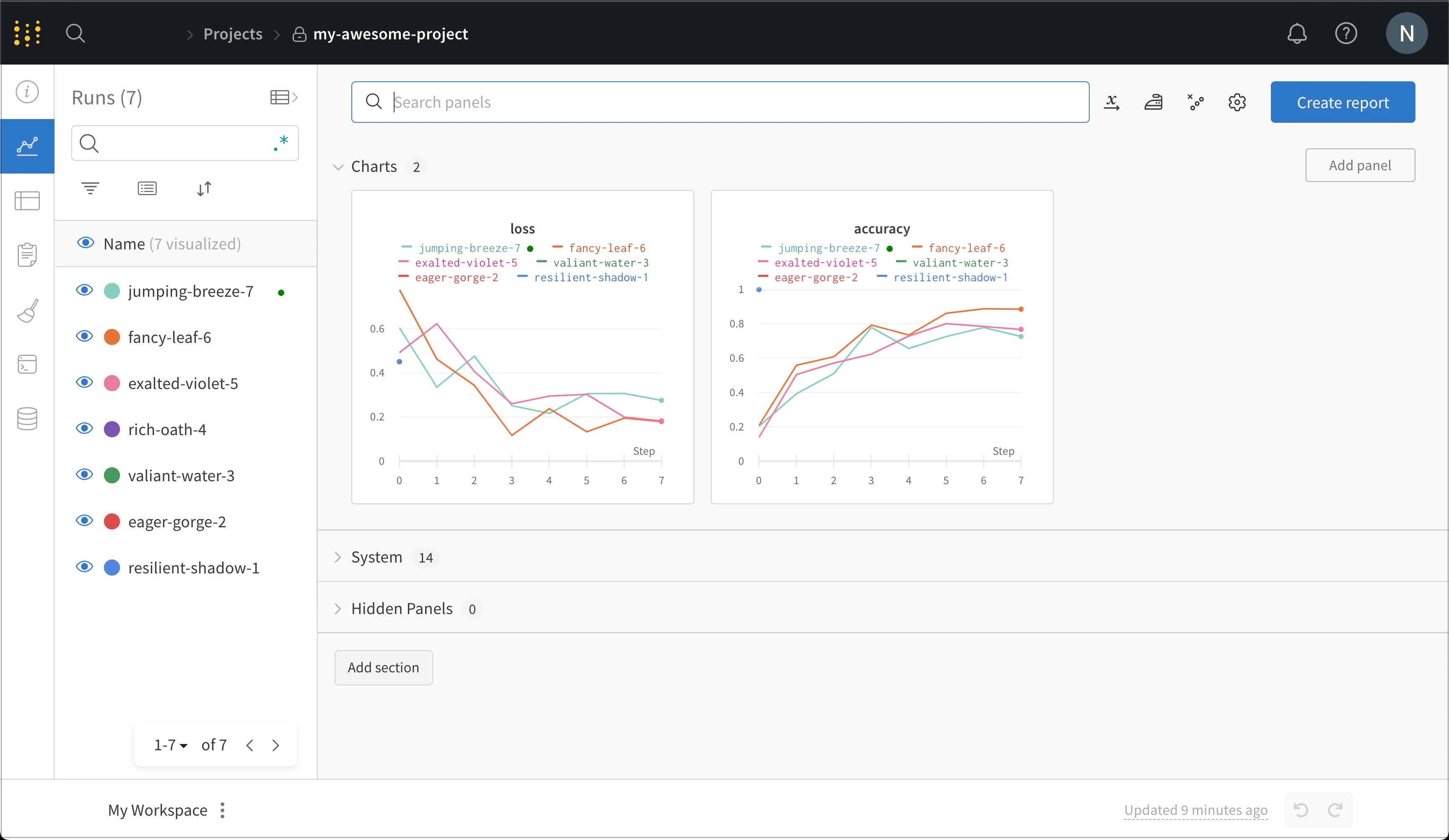
트레이닝 run을 시뮬레이션하고 정확도(accuracy)와 손실(loss) 메트릭을 W&B에 로그하는 전체 예제는 다음 섹션을 참조하세요.
run은 W&B의 핵심 요소입니다. run을 사용하여 메트릭 추적, 로그 생성, Artifacts 추적 등을 수행할 수 있습니다.